Why Do My Wireless Earbuds Keep Disconnecting?
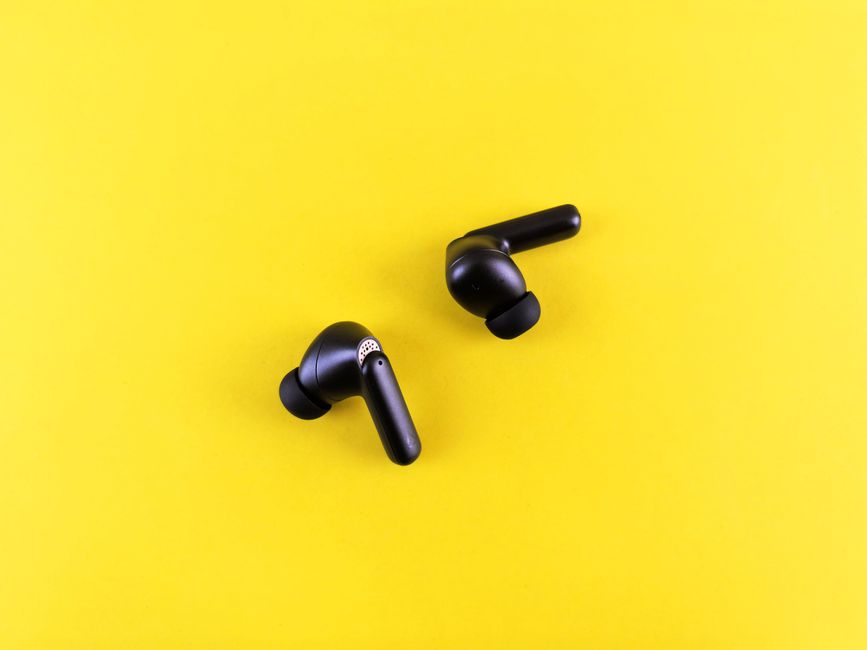
Photo: Andrey Matveev / Pexels
You're walking down a busy street, or sitting on a train, or just standing in a crowded office, and the audio in your earbuds starts stuttering, cutting out for half a second at a time, or dropping the connection entirely. It clears up as soon as you walk into an empty room. This isn't a defective pair of earbuds — it's Bluetooth doing exactly what Bluetooth does in a crowded radio environment.
Why This Happens: The 2.4GHz Problem
Bluetooth operates in the 2.4GHz band — the same unlicensed frequency range used by Wi-Fi, microwave ovens, baby monitors, wireless keyboards, and every other Bluetooth device around you. Bluetooth handles this by frequency-hopping across dozens of channels roughly 1,600 times per second, which is normally enough to dodge interference. But in a genuinely crowded environment — a subway platform with hundreds of phones, a gym full of Bluetooth headphones, an office with dozens of Wi-Fi access points — there simply aren't enough clean channels to hop to, and packets start getting dropped or retransmitted, which is what you hear as stuttering.
Your own body is also part of the problem. Bluetooth signal is absorbed significantly by water, and the human head and body are mostly water. If your phone is in your back pocket on the opposite side from your primary earbud, the signal has to pass through your torso and skull to reach it. This is sometimes called the "body shadow" effect, and it's a very common cause of one-sided dropouts that has nothing to do with distance.
True wireless earbuds add a second radio link you don't think about. Most true wireless (TWS) earbuds don't both connect independently to your phone. One earbud — the "primary" — connects to your phone over standard Bluetooth, then relays audio to the second earbud over a separate, shorter-range link. If that relay link is weak (often because the primary earbud is being body-shadowed, or its antenna is partially blocked by your hand or hair), the secondary earbud is the one that cuts out, even though the primary is connected fine.
What Actually Reduces Dropouts
Keep your phone on the same side as your primary earbud, and out of a back pocket if possible. This alone fixes a large share of one-sided cutout complaints.
Update firmware on both the earbuds and your phone. Bluetooth stack bugs are common and manufacturers patch interference handling regularly — an outdated firmware version is a frequent, boring cause of chronic dropouts.
Forget the device and re-pair it if problems started suddenly rather than gradually. A corrupted pairing profile is a common and easy-to-fix cause.
Turn off Bluetooth on devices you're not using. Every paired Bluetooth accessory nearby — a smartwatch, a second pair of headphones left on, a Bluetooth keyboard — adds to the congestion your earbuds are competing with.
Avoid known dead zones, like standing directly next to a running microwave or a busy Wi-Fi router, if dropouts are consistently tied to a specific location.
If you're shopping for a new pair specifically because connection stability matters to you, our buyer's guide to wireless ANC earbuds covers what separates consistently reliable connections from flaky ones at each price tier.
When It's Not Interference
If dropouts happen consistently in a quiet room with no other wireless devices nearby and no obstruction between you and your phone, interference isn't the explanation. That points toward a hardware issue — a weakening internal antenna, a battery that's degraded enough to cause brownouts under radio load, or a defective unit. Test with a different phone or source device: if the problem follows the earbuds to a new device in a low-interference room, it's the earbuds, not your environment.
Bottom Line
Occasional stuttering in crowded, RF-noisy places is normal Bluetooth behavior, not a product flaw — you don't need to replace your earbuds for it. It's worth troubleshooting (phone position, firmware, re-pairing) before assuming anything is broken. Only consider a repair or replacement if the dropouts persist in a quiet, uncrowded room with a clear line of sight to your phone.
Reviewed by OmniReview
OmniReview is the editorial team behind Gear Rescue Guide. We build every guide from manufacturer documentation, published test standards, and long-term owner reports, and add our own hands-on impressions whenever we've had the chance to use the gear directly — we don't claim to have tested every product we cover. See our How We Review page for the full process.